
- Open a media file and click Transcribe.
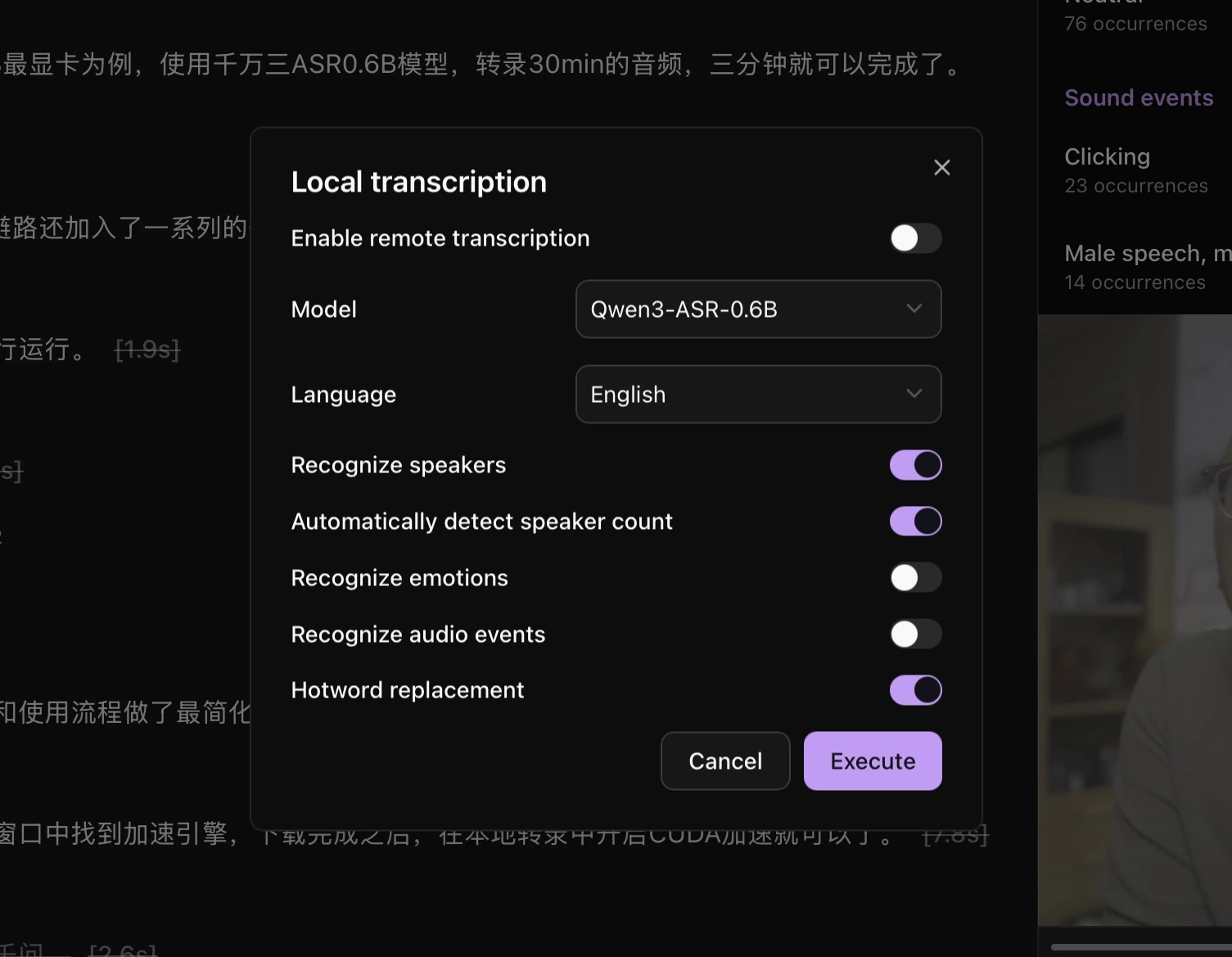
- Leave Enable remote transcription off. Choose an installed model and the media language.
- Enable speaker, emotion, or audio-event recognition if needed.
- Click Execute.
- Wait for completion in Task queue, then return to the file and check the transcript.
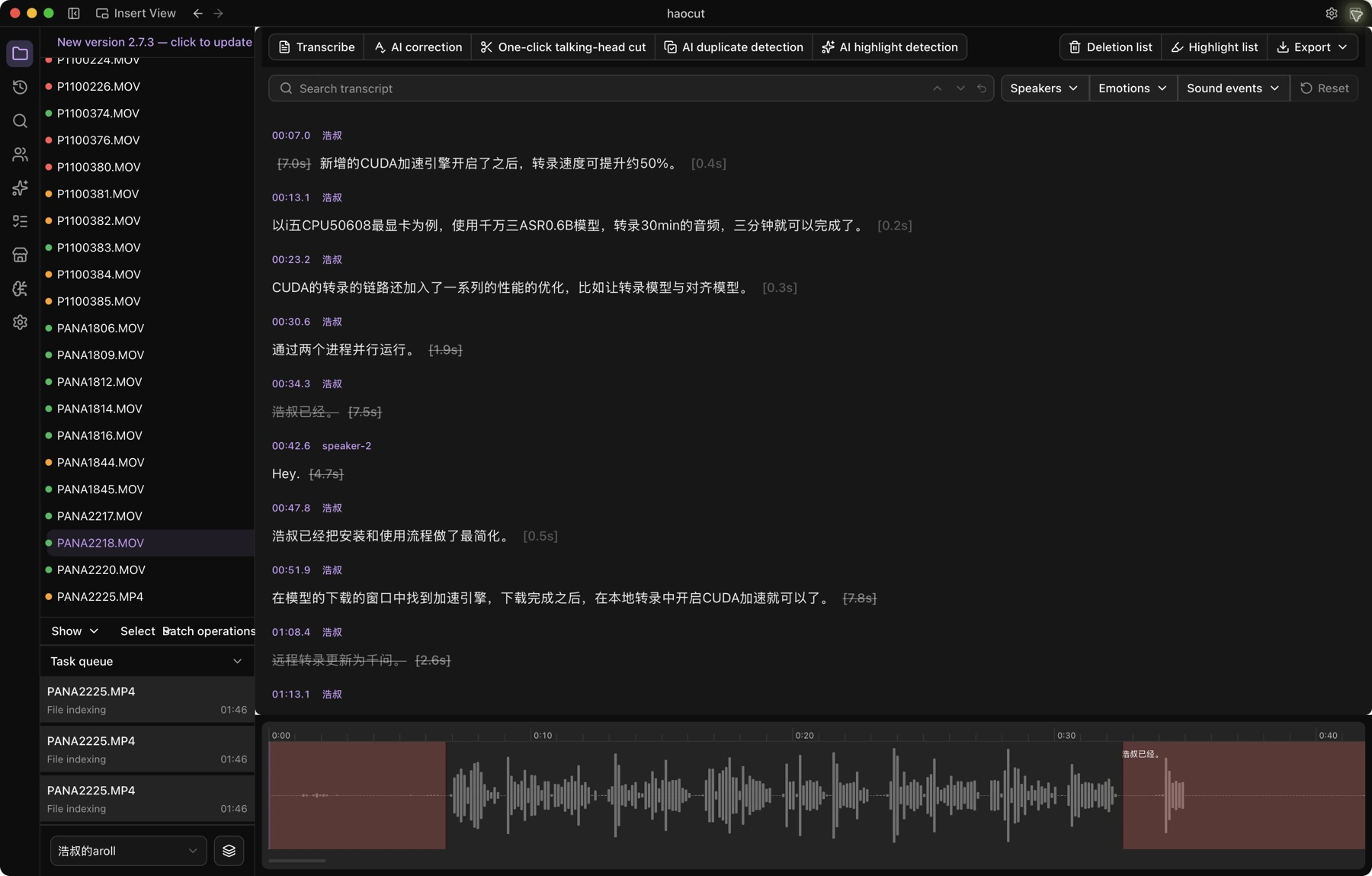
For multiple files, select indexed media in Explorer and choose Batch operations → Batch transcription.
For cloud processing, see Remote transcription. Configure hotwords for names and technical terms, then use AI correction to review recognition errors.